Can You Connect a Hearing Aid Directly to a TV?
On this page (3 sections)
Yes, you can connect a hearing aid directly to a TV, but it usually requires some extra gear. You won’t just plug a cable into your hearing aids like headphones. Most connections happen through wireless technology or streaming devices.
This setup lets you hear TV audio clearly and directly in your ears. It helps you enjoy shows and movies without turning up the volume too high. Many people find it makes watching TV a much better experience for everyone in the room.
- Direct connection isn’t usually possible.
- Wireless streamers are often needed.
- Bluetooth is a common way to connect.
- Some TVs have built-in options.
- Improve your TV listening experience.
Ready to get your TV sound straight to your hearing aids? Let’s explore the different ways you can make this happen, making your viewing more enjoyable.
Connecting Your Hearing Aids to the TV: What You Need to Know
Connecting your hearing aids to your television can significantly enhance your viewing experience. It helps you catch every word and sound without bothering others with loud volume. But how do you actually do it?
You won’t typically plug a cable directly into your hearing aids like you would with regular headphones. Most connections happen wirelessly. This means you’ll likely need an extra device to bridge the gap between your TV and your hearing aids.
Understanding the Different Connection Methods
There are several ways to get your TV audio into your hearing aids. The best method for you depends on your hearing aid model, your television, and your personal preferences. Let’s look at the most common options.
Dedicated TV Streamers
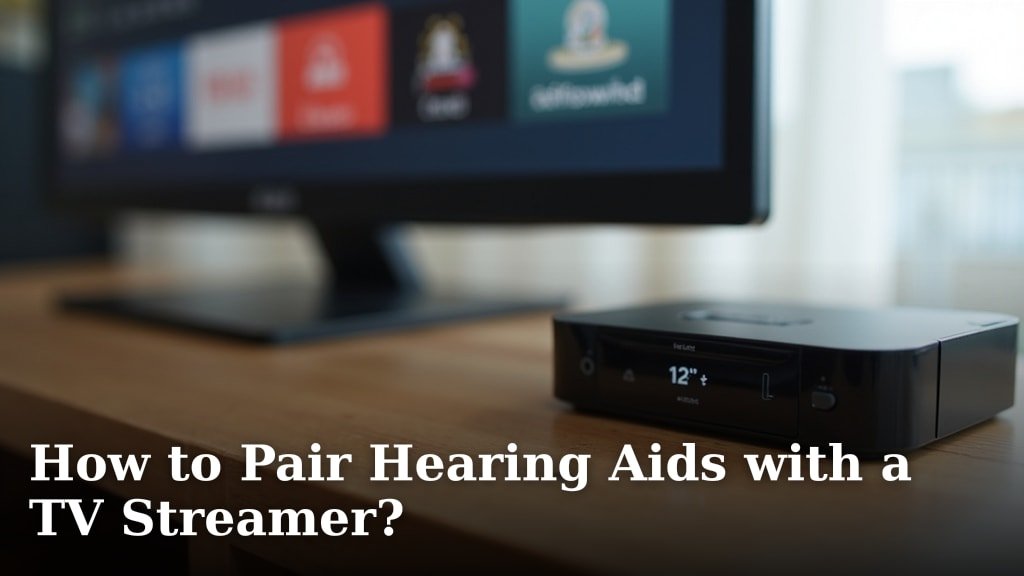
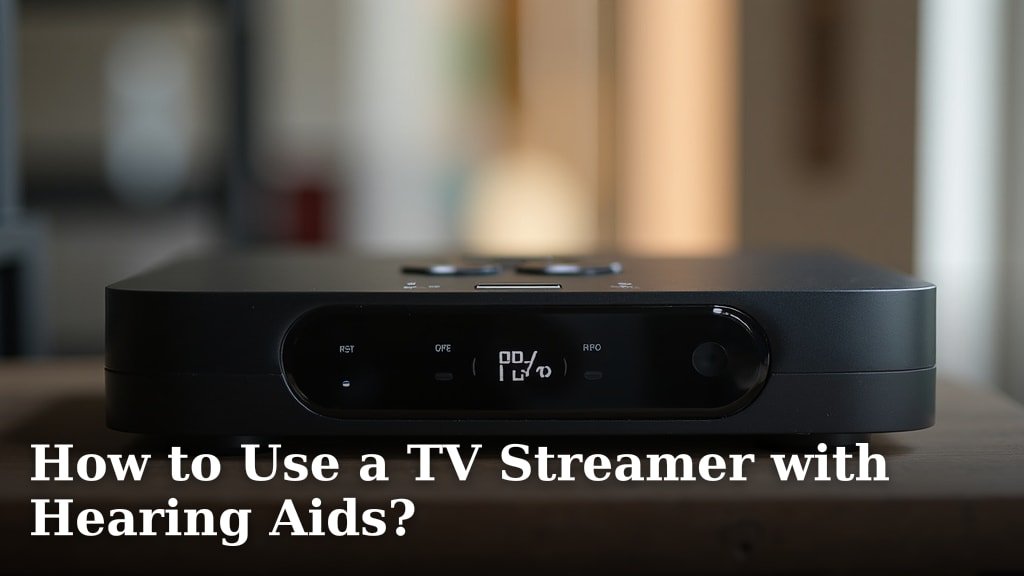
Many hearing aid manufacturers offer their own TV streamers. These are small devices designed specifically to work with their brand of hearing aids. Think of them as a personal wireless bridge.
The streamer connects to your TV, usually via an optical cable or RCA cables. Then, it wirelessly sends the audio directly to your hearing aids. This creates a private, clear sound experience just for you.
- Clear Sound: Often provides the best sound quality for your specific hearing aids.
- Easy Pairing: Usually very simple to connect to your hearing aids once set up.
- Volume Control: You can typically adjust the volume through your hearing aid controls or a smartphone app.
- Brand Specific: You’ll need a streamer that matches your hearing aid brand.
These streamers are a popular choice because they provide a very stable and high-quality audio connection, eliminating echoes or delays. Many users report a substantial improvement in their TV enjoyment (American Academy of Audiology).
Bluetooth Adapters and Transmitters
What if your hearing aids have Bluetooth, but your TV doesn’t, or they don’t pair directly? A Bluetooth adapter or transmitter can be a great solution. These devices plug into your TV’s audio output.
The adapter then broadcasts the TV’s audio via Bluetooth. Your Bluetooth-enabled hearing aids can then connect to the adapter, just like they would to your phone. This opens up more possibilities for older TVs or different hearing aid brands.
- Universal Compatibility: Works with many Bluetooth hearing aids and TVs.
- Cost-Effective: Often less expensive than dedicated streamers.
- Flexibility: Can sometimes be used with other Bluetooth devices.
- Potential Latency: Some Bluetooth connections might have a slight delay, causing lip-sync issues.
When choosing a Bluetooth transmitter, look for one that supports low latency codecs, like aptX Low Latency. This helps minimize any delay between the picture and the sound, making your viewing smoother.
Advanced Bluetooth Hearing Aids and TVs
Some newer hearing aids and smart TVs offer direct Bluetooth connectivity. If both your hearing aids and your TV support this, you might not need any extra devices. You would simply pair your hearing aids with your TV just like you pair them with your smartphone.
This is the most straightforward “direct” connection you can get. It’s becoming more common as technology advances, offering a seamless experience. Always check your TV and hearing aid manuals to see if this is an option for you.
Setting Up Your TV Connection: A Step-by-Step Guide
Connecting your hearing aids to your TV might seem daunting, but it’s usually quite simple. Here’s a general checklist to help you get started, no matter which method you choose.
- Identify Your TV’s Audio Outputs: Look for ports like “Optical Out” (TOSLINK), “Audio Out” (RCA red/white), or a headphone jack (3.5mm).
- Check Your Hearing Aid Compatibility: Do they have Bluetooth? Are they compatible with a specific TV streamer?
- Choose Your Streaming Device: Select a dedicated streamer or a Bluetooth transmitter based on your needs.
- Connect the Device to Your TV: Use the appropriate cable (optical, RCA, or 3.5mm) to plug the streamer or transmitter into your TV.
- Power On and Pair: Plug the streaming device into power. Then, put your hearing aids into pairing mode and follow the device’s instructions to connect them.
- Test the Sound: Play something on your TV and make sure the audio is clear in your hearing aids. Adjust the volume as needed.
Having trouble? Don’t worry. Sometimes a quick restart of the devices helps, or you might need to check your TV’s audio settings to ensure it’s outputting sound through the correct port. Your hearing care professional can also offer guidance.
Comparing Connection Methods: Pros and Cons
To help you decide which method is best, let’s look at a quick comparison. Each option has its strengths and weaknesses.
| Method | Pros | Cons |
|---|---|---|
| Dedicated TV Streamer | Excellent sound quality, minimal delay, easy pairing, brand-specific optimization. | Can be expensive, only works with specific hearing aid brands, another device to manage. |
| Bluetooth Adapter/Transmitter | More universal, often cheaper, works with many Bluetooth hearing aids. | Potential for audio delay (lip-sync issues), setup can be trickier, sound quality can vary. |
| Direct TV Bluetooth | No extra devices needed, seamless integration, clean setup. | Only available with newer smart TVs and compatible hearing aids, still less common. |
Choosing the right method often comes down to balancing cost, convenience, and sound quality. What’s most important to you?
Optimizing Your Listening Experience
Once connected, you might want to fine-tune your TV listening experience. Here are a few tips:
- Adjust TV Settings: Some TVs let you send audio to an external device AND the TV speakers at the same time. This means others can listen at a comfortable volume while you enjoy direct audio.
- Use Hearing Aid Apps: Many hearing aid manufacturers offer smartphone apps. These apps often let you adjust volume, sound profiles, or even switch programs specifically for TV listening.
- Reduce Background Noise: Even with direct streaming, reducing other sounds in the room can improve clarity. Close windows or turn off noisy appliances if possible.
- Experiment with Placement: If using a streamer, sometimes moving it slightly can improve the wireless signal strength.
Remember, the goal is to make TV watching enjoyable and accessible for you. Don’t hesitate to play with settings until it feels just right.
Common Questions About TV Connectivity
You might have some specific questions as you explore these options. Let’s tackle a couple of common ones.
Can My Family Hear the TV Normally While I Use My Hearing Aids?
Yes, often they can! Many dedicated TV streamers and even some Bluetooth setups allow the TV’s built-in speakers to remain active while you stream audio to your hearing aids. This means everyone can enjoy the show together, each at their preferred volume. Check your TV’s audio output settings for options like “TV Speakers + External Audio” or “Simultaneous Output.”
What if My TV is Older and Doesn’t Have Optical or Bluetooth?
Don’t despair! Many older TVs have RCA audio output jacks (the red and white plugs) or even a standard headphone jack (3.5mm). Most TV streamers and Bluetooth transmitters come with cables or adapters for these older connections. So, even if your TV isn’t brand new, you can likely still find a way to connect your hearing aids.
Always review the instructions for your specific streaming device. They typically include details on connecting to various TV types.
Conclusion
Connecting your hearing aids to your TV can truly transform your viewing enjoyment. While a direct plug-and-play connection isn’t usually possible, several excellent wireless solutions bridge that gap for you. Whether it’s a dedicated streamer, a versatile Bluetooth adapter, or direct TV Bluetooth, you have options to hear every whisper and explosion with clarity.
You no longer need to blast the TV volume or struggle to follow dialogue. Take the time to identify your needs, check your equipment, and choose the method that works best for you. Your hearing care professional can also offer personalized guidance to ensure you get the best possible TV sound experience.
Frequently Asked Questions
Can I use any Bluetooth headphones with my hearing aid TV streamer?
No, dedicated hearing aid TV streamers are typically designed to work only with specific brands and models of hearing aids. They use proprietary wireless protocols, not standard Bluetooth, for optimal sound quality and low latency. You can’t usually pair regular Bluetooth headphones with these streamers.
Will connecting my hearing aids to the TV drain their batteries faster?
Yes, streaming audio wirelessly to your hearing aids, whether from a TV streamer or via Bluetooth, generally uses more battery power. The amount of extra drain depends on your hearing aid model and how long you stream. It’s a good idea to monitor your battery levels and consider fresh batteries or a full charge before a long TV session.
What if my TV only has digital audio output (optical) and my streamer needs RCA?
Don’t worry, you can easily bridge this gap with an affordable digital-to-analog audio converter. This small device plugs into your TV’s optical port and converts the signal into RCA (red and white) outputs, which you can then connect to your TV streamer or Bluetooth transmitter.
Can I stream TV audio to my hearing aids and still hear conversations in the room?
Yes, many hearing aids and streamers allow for this. Your hearing aids often have a feature that blends the streamed TV audio with ambient sounds. This means you can hear the TV clearly while still being aware of your surroundings and participating in conversations. You can usually adjust this balance through your hearing aid app.
Is there a delay when streaming TV audio to my hearing aids?
Dedicated TV streamers are designed for very low latency, so you usually won’t notice a delay. With Bluetooth adapters, there can sometimes be a slight audio delay, causing lip-sync issues. Look for Bluetooth transmitters that support “aptX Low Latency” technology to minimize this problem if your hearing aids also support it.