What Is a Hearing Aid Streamer?
On this page (8 sections)
A hearing aid streamer is a small, portable device. It connects your hearing aids to other electronics. Think of it as a helpful bridge. It brings wireless audio directly to your ears.
This little gadget makes listening easier. It allows sounds from your phone, TV, or computer. These sounds come through your hearing aids. You get clearer audio without background noise. Many newer hearing aids have this built-in.
- A hearing aid streamer is a device.
- It sends audio wirelessly to your hearing aids.
- It connects phones, TVs, and computers.
- This offers clearer sound without background noise.
- Many hearing aids now have this feature built-in.
Ready to learn more about how these handy streamers work and what they can do for you? Let’s dive in!
“`htmlUnderstanding Your Hearing Aid Streamer
So, what exactly is a hearing aid streamer? Think of it as a tiny, smart translator. It helps your hearing aids talk to other devices. Your hearing aids can then receive audio signals directly. This means you can hear phone calls or music with amazing clarity.
This handy gadget bridges the gap. It brings sound from your phone, TV, or computer straight to your ears. It’s all done wirelessly. This makes listening much more enjoyable. You get a clear audio experience. Background noise fades away.
Many modern hearing aids come with this technology built-in. You might not even need a separate device. If yours doesn’t have it, a streamer is a small accessory. It can make a huge difference in your daily listening. Let’s explore how it works.
How Does a Hearing Aid Streamer Work?
A hearing aid streamer uses Bluetooth technology. For related guidance, see Bluetooth Streamer Hearing Aids. It acts as an intermediary. It connects your hearing aids to your audio source. This could be your smartphone, tablet, or TV. The streamer takes the audio signal. It then converts it into a format your hearing aids can understand. This signal is sent wirelessly to your ears.
The Connection Process
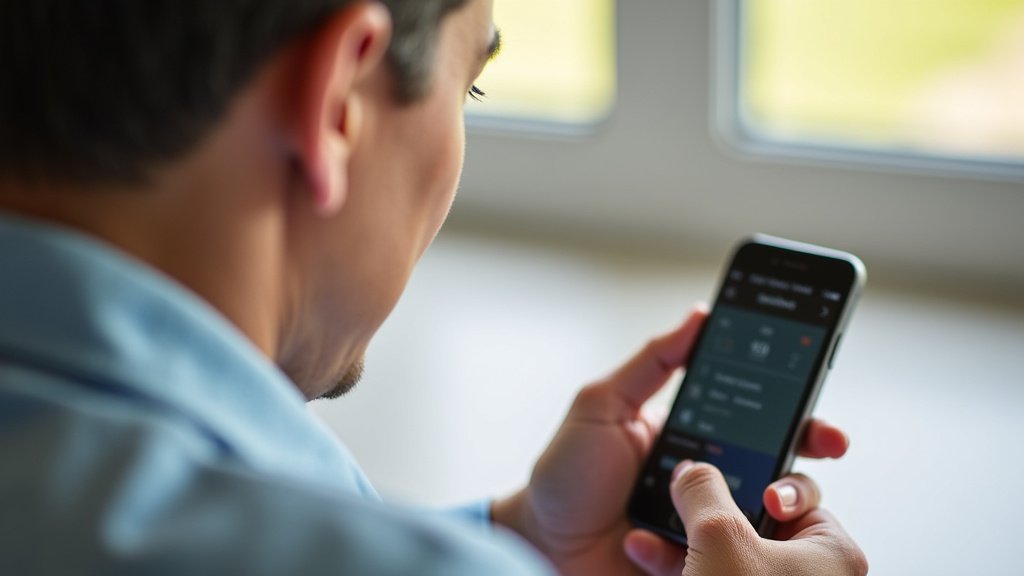
Pairing your streamer with your hearing aids is usually simple. You’ll typically follow instructions from your audiologist. Or, you might consult the manufacturer’s manual. The process often involves putting your hearing aids into a pairing mode. Then, you activate the pairing on your streamer device or your phone.
Once paired, the connection is often automatic. For related guidance, see TV Streamer Hearing Aids. This means when you turn on your streamer and your hearing aids, they find each other. You can then select your hearing aids as the audio output device on your phone or TV. It’s quite straightforward.
Understanding Bluetooth Connectivity
Bluetooth is a wireless technology standard. It allows devices to exchange data over short distances. For hearing aids, this means streaming audio directly. Older hearing aids might have used neckloops. These were small devices worn around your neck. They had a wire connecting to a hearing aid. This was a step up, but Bluetooth streamers offer more freedom.
Many newer hearing aids support direct Bluetooth streaming. This means they can connect directly to your phone. You might not need a separate streamer at all. Your audiologist can tell you if your hearing aids have this capability. It’s a game-changer for many users.
Benefits of Using a Hearing Aid Streamer
The advantages of using a hearing aid streamer are numerous. They significantly improve your listening experience. You can enjoy audio content like never before. It brings back sounds you may have been missing.
Enhanced Sound Clarity and Quality
One of the biggest benefits is improved sound clarity. When audio is streamed directly to your hearing aids, it bypasses ambient noise. Imagine being at a noisy restaurant. You try to listen to music on your phone. Without a streamer, the background chatter can drown out the music. With a streamer, the music comes directly to your ears. It sounds crisp and clear. It’s like having a private concert.
This direct connection ensures that the sound quality is excellent. You hear the intended audio with fewer distortions. This is true for phone calls, music, podcasts, and even TV shows. You can adjust the volume of the streamed audio independently. This gives you more control over your listening.
Reduced Listening Effort
For people with hearing loss, listening can be exhausting. Your brain works harder to process sounds. This can lead to fatigue. A streamer reduces this listening effort. When sound is delivered directly and clearly, your brain doesn’t have to strain. You can enjoy longer conversations or watch movies without feeling drained.
We found that users report feeling less tired after listening. They can focus better on what they want to hear. This makes daily tasks more manageable. It also allows for more social engagement. You can participate more fully in conversations.
Connecting to Different Audio Sources
Streamers open up a world of audio possibilities. You can connect to:
- Smartphones and Tablets: Listen to music, podcasts, audiobooks, and take calls.
- Televisions: Many newer TVs have built-in Bluetooth. You can stream TV audio directly. If your TV doesn’t, an adapter can often be used. This lets you hear dialogue clearly without disturbing others.
- Computers and Laptops: Enjoy online videos, music, and conference calls with better sound.
- GPS Devices: Some GPS systems can stream navigation instructions directly.
This versatility makes the streamer an essential tool. It helps you stay connected to your digital world.
Types of Hearing Aid Streamers
There are a few main ways you can get streaming capabilities for your hearing aids.
Built-In Bluetooth in Hearing Aids
As mentioned, many modern hearing aids have Bluetooth built-in. This is often the most convenient option. You pair your hearing aids directly with your smartphone or other Bluetooth-enabled device. No extra accessories are needed. Check with your audiologist to see if your current hearing aids support this feature.
External Streamer Devices
If your hearing aids don’t have built-in Bluetooth, you can use an external streamer. For related guidance, see Pair Hearing Aids TV Streamer. These are small, separate devices. They typically connect wirelessly to your hearing aids. You then connect the streamer to your audio source, like a TV adapter or your phone.
The Neckloop Streamer
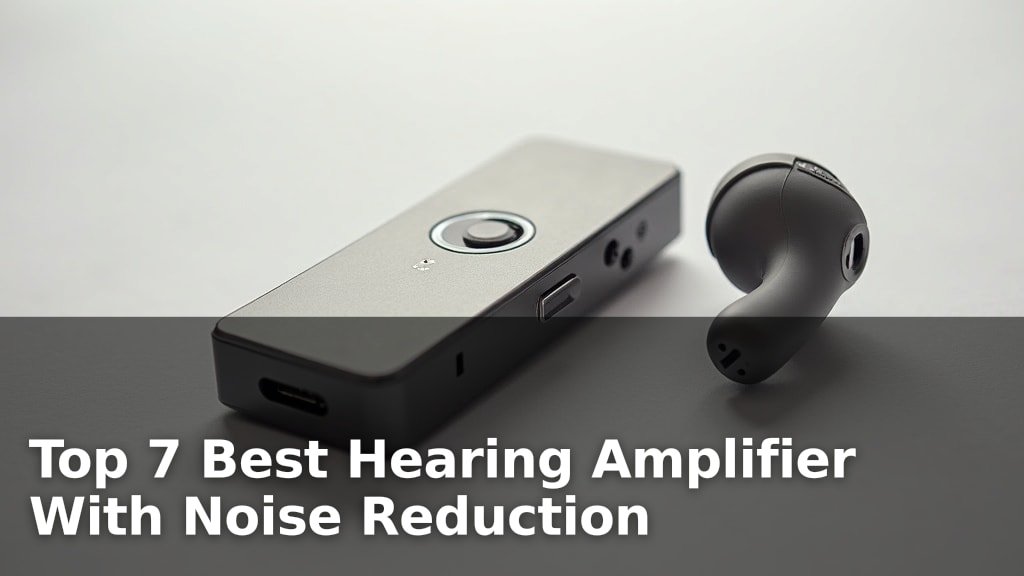
This is a common type of external streamer. It’s a small device worn around your neck. It has a cord that drapes down to your chest. The streamer picks up audio signals. It then sends them wirelessly to your hearing aids. Some neckloops are very discreet. They can be worn under clothing.
The Body-Worn Streamer
Similar to a neckloop, this is a small device. It might be clipped to your clothing or pocket. It functions much like a neckloop streamer. It receives audio and transmits it to your hearing aids. These can be a good option if you prefer not to wear something around your neck.
TV Adapters
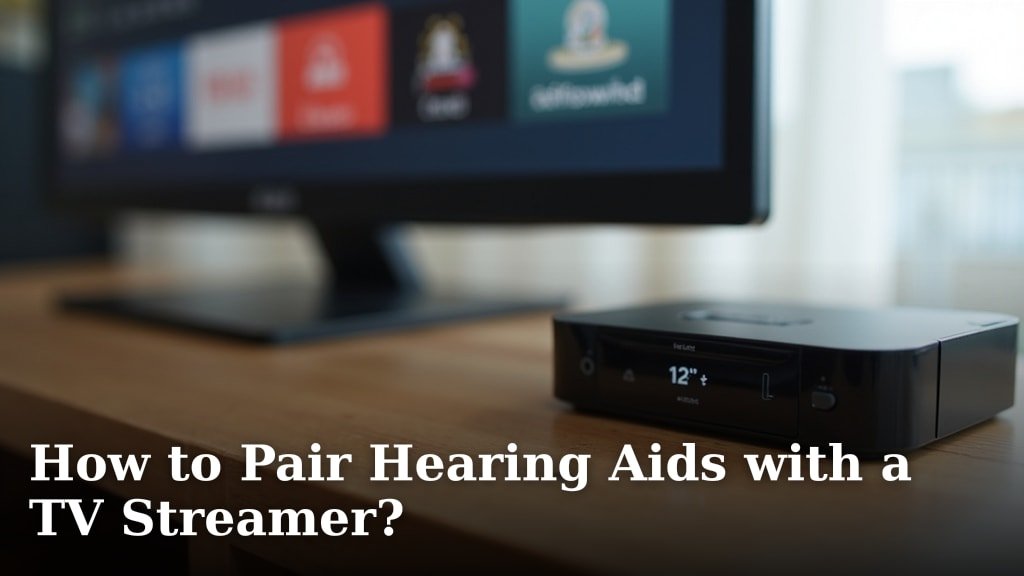
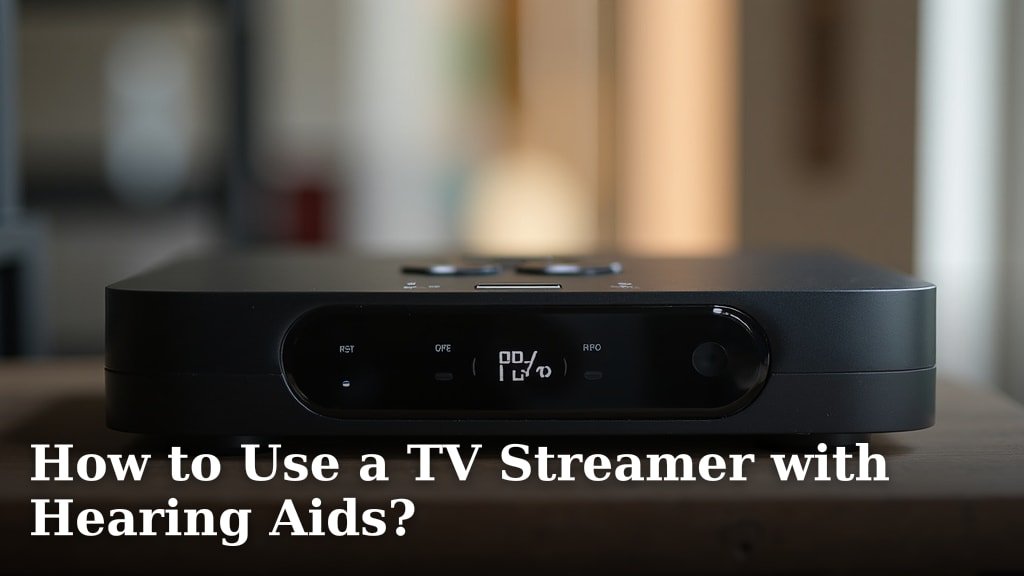
For streaming audio from your television, a dedicated TV adapter is often used. For related guidance, see TV Streamer Hearing Aids. This small device connects to your TV’s audio output. It then transmits the sound wirelessly to your hearing aids or external streamer. This is a fantastic solution for watching TV. You can set the TV volume to a comfortable level for others. Then, you can hear the show perfectly through your hearing aids.
Choosing the Right Streamer for You
Deciding on the best streamer depends on your needs. It also depends on your hearing aids.
Compatibility is Key
The most important factor is compatibility. Your streamer must work with your specific hearing aids. Your audiologist is your best resource here. They can recommend devices that are guaranteed to work. They can also help you set them up.
Consider Your Lifestyle
Think about how you plan to use the streamer. Do you want to stream music from your phone? Do you want to watch TV without disturbing others? Do you attend a lot of business meetings via video calls? Your answers will guide your choice.
For example, if you primarily want to stream TV, a TV adapter might be your best bet. If you want to stream from multiple devices like your phone and computer, a more versatile external streamer or built-in Bluetooth might be better. Many audiologists can demonstrate different options for you.
Ease of Use
Streamers should be easy to operate. You don’t want to struggle with complex buttons or settings. Look for devices with simple controls. Intuitive menus are also helpful. Again, your audiologist can guide you through the user interface.
Checklist for Streamer Success
Here’s a quick checklist to help you get the most out of your hearing aid streamer:
- Ensure your hearing aids are compatible.
- Confirm your streamer is properly paired.
- Test streaming from your primary devices.
- Adjust volume levels for optimal comfort.
- Ask your audiologist about any advanced features.
- Keep your streamer and hearing aids charged.
Conclusion
You’ve learned that a hearing aid streamer is your personal audio bridge. It wirelessly connects your hearing aids to your favorite devices. This means crystal-clear phone calls and immersive music enjoyment. For many, it significantly reduces listening effort. You can finally enjoy audio without the constant strain. Whether built-in or an accessory, a streamer can truly enhance your daily life. Ready to experience this for yourself? Talk to your audiologist about streaming options that fit your hearing aids and your lifestyle.
Frequently Asked Questions
Do I need a separate streamer if my hearing aids have Bluetooth?
Not usually! If your hearing aids have built-in Bluetooth, they can often connect directly to your smartphone, tablet, or computer. This means you likely won’t need an additional streamer device. Your audiologist can confirm this for you.
Can I stream audio from my TV to my hearing aids?
Yes, you often can! Many newer TVs have built-in Bluetooth. If yours doesn’t, you can usually use a TV adapter. This device connects to your TV and then wirelessly sends the audio to your hearing aids or streamer.
How do I know if my hearing aids are compatible with a streamer?
Compatibility is key. The best way to know is to check with your audiologist. They can tell you if your current hearing aids support streaming and recommend compatible streamer devices or adapters.
Will a streamer help reduce background noise when I’m listening to my phone?
Absolutely. When you stream audio directly to your hearing aids, it bypasses much of the ambient noise. This means you hear your phone call or music much more clearly, without the usual distractions.
How do I pair my hearing aids with a streamer or device?
The pairing process is usually straightforward. You’ll typically put your hearing aids into pairing mode and then activate pairing on your streamer or your phone. Your audiologist can guide you through the exact steps for your specific devices.