Why Does My Hearing Aid Echo?
On this page (5 sections)
Your hearing aid might echo because of feedback. This happens when sound from your hearing aid gets picked up by its own microphone. It then gets re-amplified, creating that familiar ringing or whistling sound. It’s often due to a poor fit or specific sound environments.
This echo, often called feedback, is a common issue for hearing aid users. It can be caused by factors like an improperly sealed ear canal, changes in your ear shape, or even the way you hold your phone. Understanding these causes is the first step to enjoying clear sound again.
- Echoing is usually caused by feedback.
- Feedback happens when sound gets re-amplified.
- A poor fit or sound environments can cause it.
- Sometimes, even hair or earwax can be a culprit.
Let’s walk through the common reasons why your hearing aid might be echoing and what you can do about it.
Understanding Why Your Hearing Aid Might Echo
It can be quite jarring when your hearing aid suddenly starts echoing. You might be trying to enjoy a conversation or listen to music, and then suddenly, that annoying whistling or ringing interrupts everything. This echo, commonly known as feedback, is a frequent concern for many hearing aid wearers. But don’t worry, it’s usually not a sign of a serious problem and often has a straightforward fix.
Feedback occurs when the sound produced by your hearing aid gets picked up again by its own microphone. This re-captured sound is then re-amplified, creating a loop that results in that familiar, often piercing, sound. Think of it like a microphone too close to a speaker – you get that squeal. While it might seem technical, understanding the basic cause helps you troubleshoot effectively.
Common Culprits Behind Hearing Aid Echo
There are several reasons why this feedback loop might be happening with your hearing aids. Let’s break down the most common causes so you can pinpoint what might be going on.
The Fit of Your Ear Tip or Earmold
One of the most frequent reasons for echoing is an improper seal in your ear canal. Your hearing aid needs to create a tight seal to prevent sound from escaping and looping back into the microphone. If the seal isn’t perfect, sound can leak out and be picked up by the microphone, triggering feedback. A key reason for echoing is an improper seal in your ear canal. Our guide to hearing aid fit explains how to achieve a snug seal.
When Your Ear Tip Isn’t Snug Enough
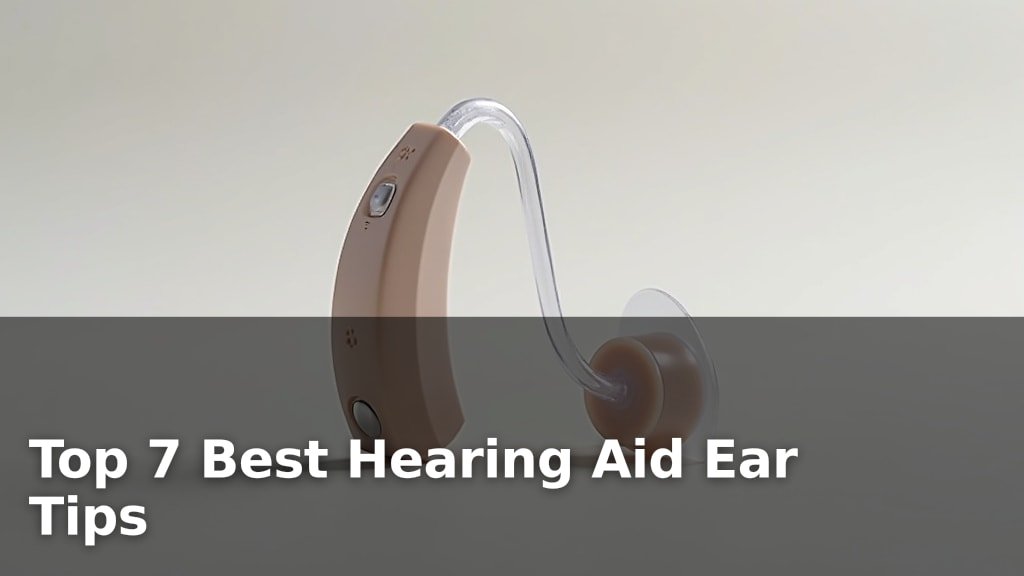
The small ear tips or custom earmolds that fit into your ear canal are designed to be snug. If the ear tip is too small, too worn out, or not inserted correctly, it won’t create that necessary seal. This is especially common if you’ve recently changed your ear tips or if the ones you’re using are old and have lost their elasticity.
We found that even slight gaps can be enough to cause feedback. Your audiologist will typically provide you with several sizes of ear tips. Trying different ones until you find the perfect snug fit is often the first step to resolving echoes (Cleveland Clinic).
Changes in Your Ear Shape
Our ears can change over time. Weight fluctuations, the natural aging process, or even certain medical conditions can subtly alter the shape of your ear canal. If your ear canal has changed, your old earmold or ear tip might no longer provide the secure fit it once did, leading to sound leakage and feedback.
It’s like a favorite pair of shoes that suddenly feels a bit loose after a while. If you suspect your ear shape has changed, it’s a good idea to schedule a follow-up with your audiologist for a new impression or fitting.
Changes in Your Hearing or Ear
Sometimes, the echo isn’t about the hearing aid’s fit but about changes happening within your ear.
Earwax Buildup
Earwax is your ear’s natural defense mechanism, but too much of it can become a problem for hearing aids. If wax builds up and blocks the sound pathway in your ear tip or earmold, it can interfere with how sound exits your hearing aid. This blockage can also cause the sound to reflect back into the microphone, creating that echo effect.
Many users find that regular cleaning of their hearing aid and ear canals can prevent this issue. Your audiologist can advise you on safe methods for earwax removal or perform a professional cleaning if needed (CDC).
Ear Infections or Fluid
An ear infection can cause swelling and fluid buildup in your ear canal. This can change the acoustics inside your ear and affect the seal of your hearing aid. The presence of fluid can easily lead to feedback because it alters the way sound waves travel and reflect.
If you’re experiencing ear pain, discharge, or sudden changes in your hearing along with the echo, it’s important to consult a medical professional. Treating the infection or fluid buildup will likely resolve the hearing aid echo.
Environmental Factors and External Sounds
Where you are and what’s happening around you can also trigger echoes from your hearing aid.
Loud Noises and Environments
Hearing aids are designed to pick up sound from your surroundings. In very loud environments, like a crowded restaurant or a busy street, your hearing aid’s microphone might pick up ambient noise. If this noise is loud enough, it can be amplified and fed back into the microphone, causing an echo. Some hearing aids have advanced noise reduction features, but even these have limits.
Think of it as your hearing aid trying its best to capture all sounds, but sometimes it gets a bit overwhelmed by the sheer volume of external noise. You might notice the echo is worse in specific locations.
Proximity to Sound Sources
Bringing certain sound sources too close to your hearing aid can also cause feedback. This is common when using telephones, especially older models or when holding a smartphone directly next to the hearing aid. The sound from the phone speaker can be picked up by the hearing aid’s microphone before it even reaches your ear.
Many modern hearing aids offer direct streaming from smartphones, which bypasses the need to hold the phone near the device. If you’re not using this feature, positioning the phone slightly away from the hearing aid might help. Some people even find that holding the phone to their opposite ear can reduce interference.
Hearing Aid Settings and Technology
The way your hearing aid is programmed and its technical features play a role too.
Volume Settings Too High
It might seem obvious, but if the volume on your hearing aid is turned up too high, the amplified sound can more easily escape the ear canal and be picked up by the microphone. This can create a feedback loop, especially in quieter environments or when the seal isn’t perfect.
Many hearing aids have volume controls accessible on the device or through a smartphone app. Experimenting with slightly lower volume settings could help reduce or eliminate echoes. If you find you consistently need a very high volume, it might be time to discuss your hearing aid’s power or programming with your audiologist.
Specific Programs or Modes
Some hearing aids have different programs for various listening situations (e.g., “quiet,” “noisy,” “music”). If your hearing aid is in a program that isn’t suited for your current environment, it might be more prone to feedback. For instance, a program designed for very quiet settings might over-amplify sounds in a moderately noisy room, increasing the chance of echo.
We found that understanding your hearing aid’s different programs can be very useful. If you notice echoes primarily in certain situations, try switching to a different program if your device allows. Your audiologist can help you optimize these settings.
Device Malfunctions or Damage
While less common, sometimes echoes can be a sign that the hearing aid itself needs attention. A damaged microphone, a loose internal component, or a problem with the speaker can all lead to unexpected feedback. This is more likely to happen if your hearing aid has been dropped or exposed to moisture.
If you’ve tried other troubleshooting steps and the echo persists, it’s best to have your hearing aid checked by a professional. They can perform diagnostic tests to rule out any internal issues.
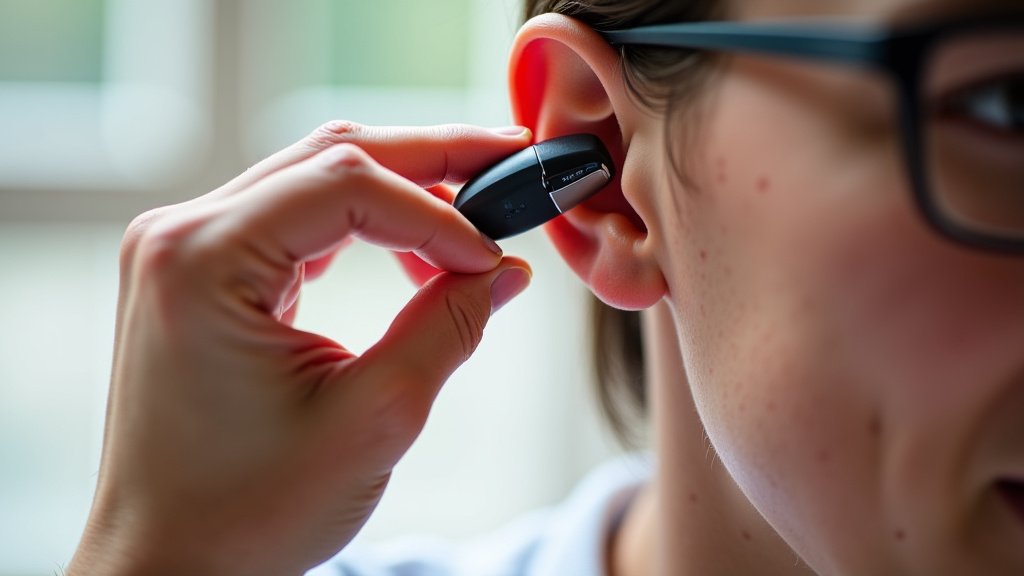
Troubleshooting Your Echoing Hearing Aid: A Quick Checklist
Here’s a handy checklist to help you tackle that echo:
- Check the Fit: Ensure your ear tip or earmold is snug and creating a good seal.
- Clean Your Ears: Gently remove any visible earwax buildup from your ear canal.
- Clean Your Hearing Aid: Make sure the sound port and microphone vents on your hearing aid are clear of debris.
- Adjust Volume: Try lowering the volume slightly to see if the echo diminishes.
- Test Different Environments: Note if the echo happens everywhere or only in specific places.
- Review Programs: If your aid has multiple programs, try switching to another to see if it helps.
Conclusion
Echoing from your hearing aid can be a real nuisance, but as we’ve seen, it’s often a sign of a solvable issue. Most echoes stem from simple feedback loops, usually caused by a less-than-perfect fit in your ear, a bit of earwax, or even your environment. By systematically checking these common culprits, you can often restore clear, comfortable hearing.
Don’t let the echo win! Take a moment to review the troubleshooting steps. If you’ve tried adjusting the fit and cleaning your aids, and the echo persists, it’s always wise to schedule a quick check-up with your audiologist. They are your best resource for fine-tuning your hearing experience.
Frequently Asked Questions
Why does my hearing aid echo when I talk?
When you talk, your own voice can vibrate inside your ear canal. If your hearing aid isn’t creating a perfect seal, these vibrations can escape and be picked up by the microphone, causing feedback. A snugger ear tip or earmold can often resolve this.
Can a new hearing aid battery cause an echo?
While a dead battery won’t cause echoes, a battery that is low or not properly seated might cause your hearing aid to perform erratically. This could sometimes manifest as unwanted sounds like echoes. Ensure your battery is fresh and correctly inserted. While not a direct cause of echo, a low battery can cause erratic performance. Learn more about hearing aid battery life.
Does wearing a hat or mask cause my hearing aid to echo?
Yes, items like hats, scarves, or masks can sometimes interfere with the hearing aid’s microphone or create a seal that alters sound entry, potentially leading to feedback. Try adjusting the item to ensure it’s not directly covering the microphone ports.
Is it normal for hearing aids to echo in noisy places?
It’s more common to experience echoes in loud environments because the hearing aid is trying to capture and amplify sounds. If the ambient noise is very strong, it might overwhelm the aid’s capabilities or trigger feedback. Adjusting volume or program settings might help.
How often should I get my hearing aids professionally cleaned?
Most audiologists recommend a professional cleaning and check-up for your hearing aids at least once a year. However, if you notice persistent issues like echoing, it’s a good idea to visit your audiologist sooner for an inspection.