Can You Wear Hearing Aids While Wearing Headphones?
On this page (7 sections)
Yes, you can absolutely wear hearing aids while wearing headphones. Most people find that modern hearing aids work well with many types of headphones. It often comes down to comfort and the type of hearing aid you have.
Many hearing aid users successfully combine their devices with headphones for music, calls, or gaming. You might need to try a few different headphone styles to find your perfect pairing. It’s about getting the best sound without causing feedback or discomfort.
- You can wear hearing aids with headphones.
- Headphone type and hearing aid style matter for comfort.
- Over-ear headphones often work best.
- Adjusting volume helps prevent feedback.
- Bluetooth connectivity offers great convenience.
Let’s walk through how to make this work for you and discuss the best options available.
Making Hearing Aids and Headphones Work Together
You can definitely use hearing aids with headphones. It really comes down to finding the right combination for your comfort and listening needs. The goal is clear sound without any annoying feedback.
Understanding How Hearing Aids Work
Before we dive into headphones, let’s quickly review hearing aids. They are designed to amplify sounds, making them clearer for you. Different styles sit in or around your ear. This placement affects how they interact with headphones.
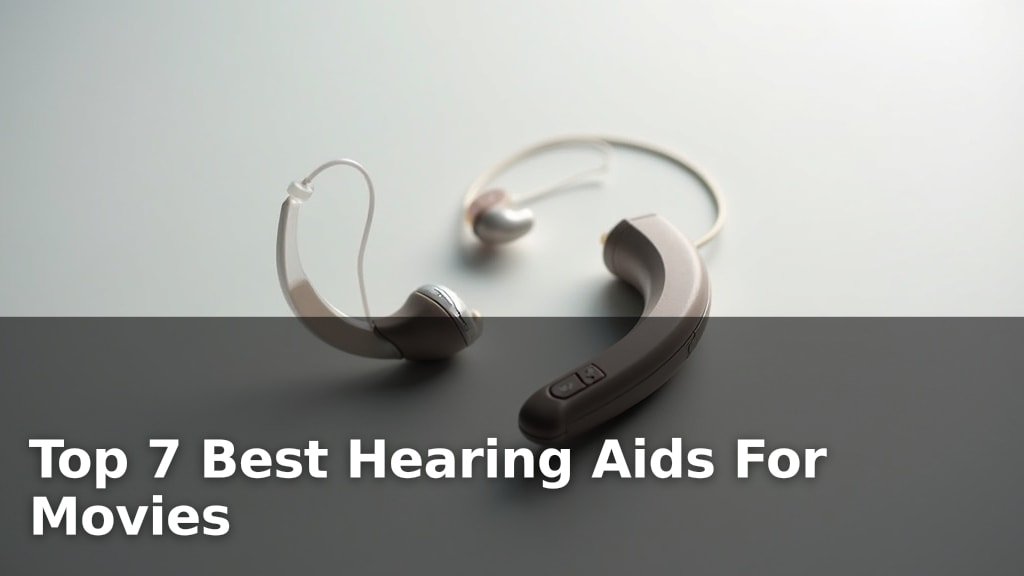
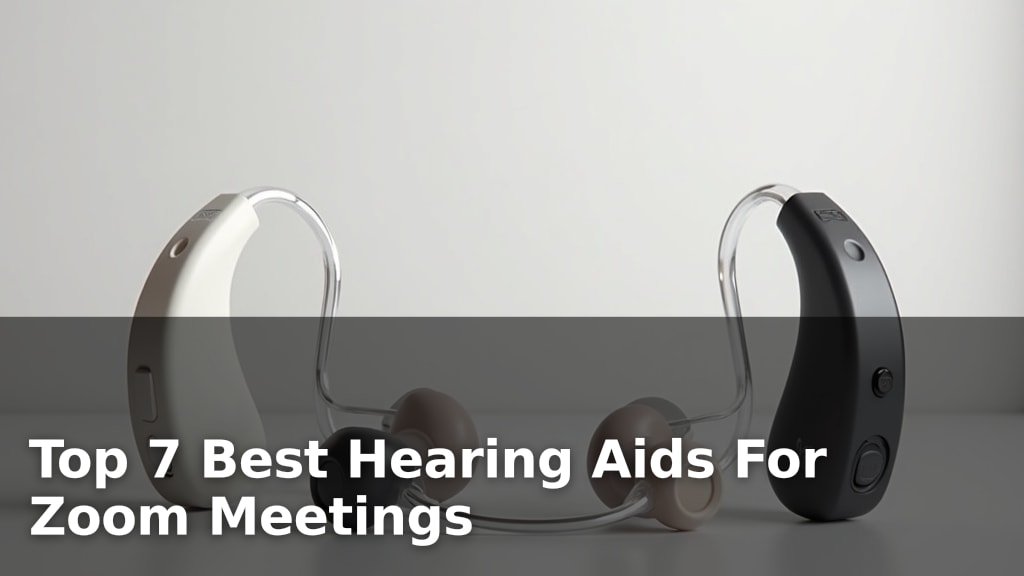
- Behind-the-Ear (BTE) aids sit behind your outer ear. A tube connects to an earmold or dome in your ear canal.
- Receiver-in-Canal (RIC) aids are similar to BTEs but the speaker (receiver) is in your ear canal.
- In-the-Ear (ITE) aids custom-fit and fill the outer part of your ear.
- In-the-Canal (ITC) aids are smaller, fitting partly into your ear canal.
- Completely-in-Canal (CIC) aids are the smallest, nearly hidden inside your ear canal.
Each type presents unique challenges and benefits when you add headphones to the mix.
Choosing the Right Headphones for Your Hearing Aids
Not all headphones are created equal, especially when you wear hearing aids. Your choice will depend on your hearing aid style and your personal comfort. Let’s look at the main types.
Over-Ear Headphones: Often the Best Bet
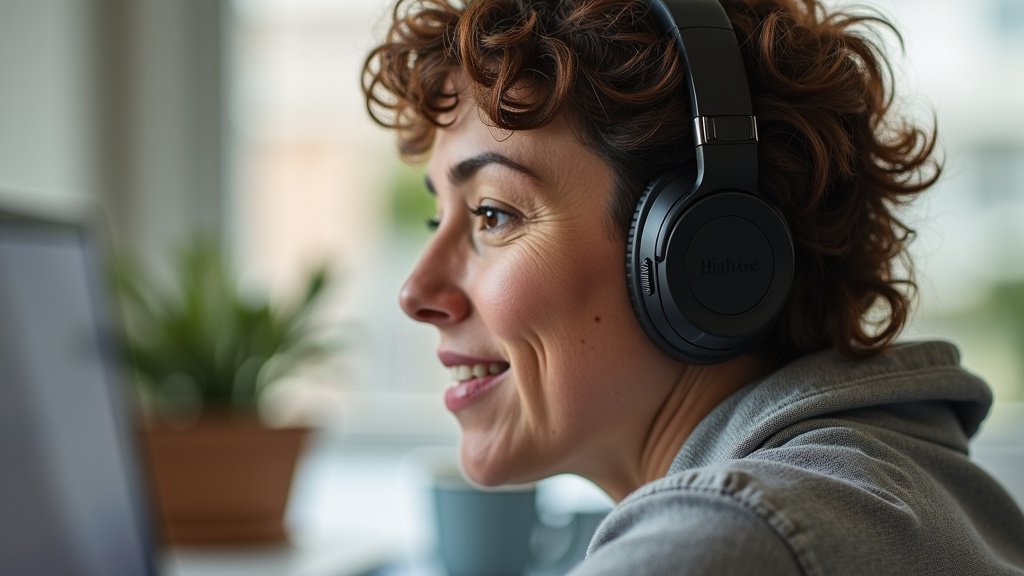
Many hearing aid users find over-ear headphones are the most comfortable. They cup your entire ear, leaving your hearing aid undisturbed. This design often prevents feedback, which is that whistling sound you sometimes hear (National Institute on Deafness and Other Communication Disorders).
- They provide a buffer zone around your hearing aid.
- Often have good sound isolation, meaning less outside noise.
- Generally offer a more immersive listening experience.
On-Ear Headphones: A Possible Alternative
On-ear headphones sit directly on your outer ear. They can work, but you need to be careful. They might press against your hearing aid, causing discomfort or feedback. It really depends on the size and placement of your hearing aid.
- Try them on to ensure they don’t push your hearing aid.
- May not offer as much sound isolation as over-ear types.
- Lighter and more portable than over-ear models.
Earbuds and In-Ear Headphones: Use Caution
This category is where things get a bit trickier. Standard earbuds that sit just inside your ear canal usually don’t work well with most hearing aids, especially ITE, ITC, or CIC models. There’s simply not enough room.
When Earbuds Might Work
If you have BTE or RIC hearing aids, some earbuds might fit. You’ll need earbuds that don’t go deep into your ear canal. Look for models that rest gently in the outer ear. It’s often a trial-and-error process to find a good fit.
Making the Most of Your Hearing Aids with Headphones
Once you’ve chosen your headphones, a few simple adjustments can greatly improve your experience. These tips help ensure clear sound and maximum comfort.
Adjusting Volume and Settings
This is key to preventing feedback. You don’t want your headphones and hearing aids competing for the same space. Think of it like tuning two instruments to play together.
- Lower your headphone volume first. Start quiet and gradually increase.
- Adjust your hearing aid’s volume or program. Many modern hearing aids have a “telecoil” or “streamer” program designed for this.
- If you hear whistling, try moving the headphones slightly. Sometimes a small shift stops the feedback.
Considering Bluetooth Connectivity
Many newer hearing aids come with Bluetooth technology. This is a game-changer! It lets you stream audio directly to your hearing aids. This means your hearing aids essentially become your headphones.
- No need for traditional headphones at all in many cases.
- Audio goes straight to your ears, often with better clarity.
- Great for phone calls, music, podcasts, and even TV.
This direct streaming often provides the best sound quality and eliminates any issues with physical headphone fit or feedback.
Troubleshooting Common Issues
Even with the best planning, you might run into a few snags. Don’t worry, many problems have simple solutions. We want you to enjoy your listening experience without frustration.
Dealing with Feedback
Feedback is that high-pitched whistle. It happens when amplified sound from your hearing aid leaks out and is picked up by its own microphone again. Headphones can sometimes cause this by pushing on the hearing aid or changing the sound environment around your ear.
- Check the fit of your hearing aid. Is it securely in place?
- Try a different headphone style, especially moving to an over-ear model.
- Reduce the headphone volume.
- Consult your audiologist. They can often adjust your hearing aid’s settings to minimize feedback (American Academy of Audiology).
Comfort and Fit Challenges
Sometimes, it’s just not comfortable. Your ears are sensitive, and extra pressure can be annoying. This is where trial and error comes in. We found that comfort is often the biggest factor in long-term satisfaction.
| Hearing Aid Type | Best Headphone Match | Comfort & Fit Notes |
|---|---|---|
| BTE / RIC | Over-ear, some on-ear | Generally good, headphones fit around the aid. |
| ITE | Over-ear (large cups) | Can be snug; ensure no pressure on the aid. |
| ITC / CIC | Over-ear, some on-ear | Often best, as the aid is deeper in the canal. |
| Bluetooth-enabled | None needed (direct stream) | Optimal comfort, no external headphones. |
This table gives you a quick guide, but your personal experience may vary. Always prioritize what feels good to you.
Your Checklist for Success
Here’s a quick guide to help you get the best experience combining your hearing aids with headphones:
- Choose over-ear headphones first for general comfort.
- Test different headphone styles with your specific hearing aids.
- Start with a low headphone volume and adjust slowly.
- Explore your hearing aid’s settings for telecoil or streaming programs.
- Consider upgrading to Bluetooth-enabled hearing aids for direct streaming.
- Don’t hesitate to ask your audiologist for personalized advice.
Remember, your goal is clear, comfortable sound. With a little patience and the right gear, you can absolutely enjoy all your audio content.
Conclusion
You now know that combining hearing aids and headphones is absolutely possible. Your best bet for comfort and clear sound is often a good pair of over-ear headphones. Remember to start with low volume and explore your hearing aid’s streaming options.
Don’t be afraid to experiment with different styles until you find what feels right for you. If you have Bluetooth-enabled hearing aids, direct streaming can simplify everything. Ultimately, your audiologist is your best resource for personalized advice.
Take these tips and enjoy your favorite audio content without compromise!
Frequently Asked Questions
Will wearing headphones damage my hearing aids?
No, wearing headphones should not damage your hearing aids, as long as they are worn comfortably and without excessive pressure. The main concern is physical discomfort or feedback, not damage to the device itself. Always ensure a gentle fit.
Can I use noise-canceling headphones with my hearing aids?
Yes, many people find noise-canceling headphones work very well with hearing aids, especially over-ear models. The noise-canceling feature can reduce background sounds, allowing your hearing aids to focus on the audio you want to hear more clearly. This can enhance your listening experience.
Do all hearing aids have Bluetooth for direct streaming?
No, not all hearing aids have Bluetooth capabilities for direct streaming. This is a feature more commonly found in newer, more advanced models. If direct streaming is important to you, discuss this option when choosing or upgrading your hearing aids.
How can I prevent feedback (whistling) when wearing headphones?
To prevent feedback, try adjusting the volume on your headphones first, making sure it’s not too high. Ensure your hearing aid is seated correctly and not being pressed by the headphones. Over-ear headphones often help by providing more space around the hearing aid.
Should I take my hearing aids out when using headphones?
You generally don’t need to take your hearing aids out when using headphones. The purpose of this article is to help you find ways to use them together. However, if you experience significant discomfort, feedback, or poor sound quality, removing them or exploring Bluetooth streaming might be better for you.